Frameline
A drop-and-merge puzzle set in a museum. Aim along the top of a dark-wood jar and let a round painting fall. When two of the same painting touch, they merge into the next one up, from a cave handprint all the way to a drip painting.
Keep the pile inside the jar for as long as you can. Every run paints a picture.
Free, on desktop and on your phone
How it plays
Aim
Drag left and right along the top of the jar. The piece hangs where you point, and a small frame at the top shows the one after it.
Drop
Let go and the piece falls. The pile has weight: pieces roll, settle and push each other aside to make room.

Merge
Two of the same piece that touch merge into the next one up, with a flash and a sound of their own. Merges that follow each other quickly ring higher and burst bigger.
Keep it in
If the pile stays above the dashed line for about two seconds, the run is over. The pieces glow red and the line pulses first, so you see it coming. Tap anywhere to start again.
Eleven moments in art history
Every piece is a small round painting, drawn by the game's own code: an homage in the spirit of its period, never a copy of a real artwork. You only ever drop the first five. The rest you have to make.

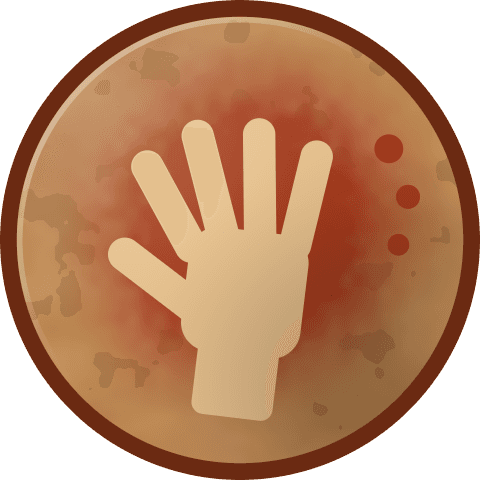
- 01An ochre handprintCave painting
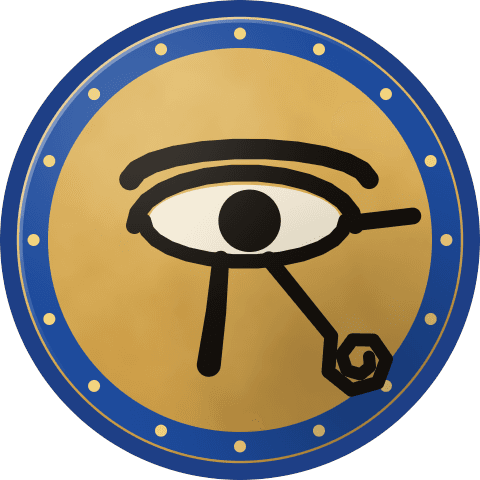
- 02The Eye of HorusAncient Egypt
- 03An Ionic column capitalAncient Greece
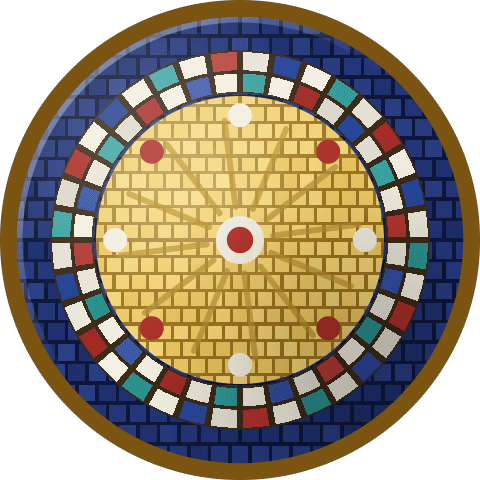
- 04A gold halo in a mosaic ringByzantium
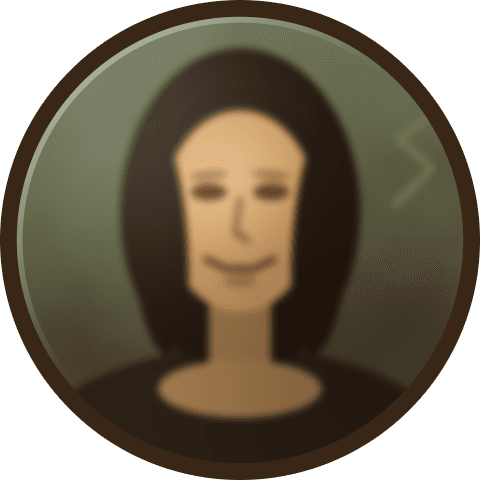
- 05A sfumato smileThe Renaissance
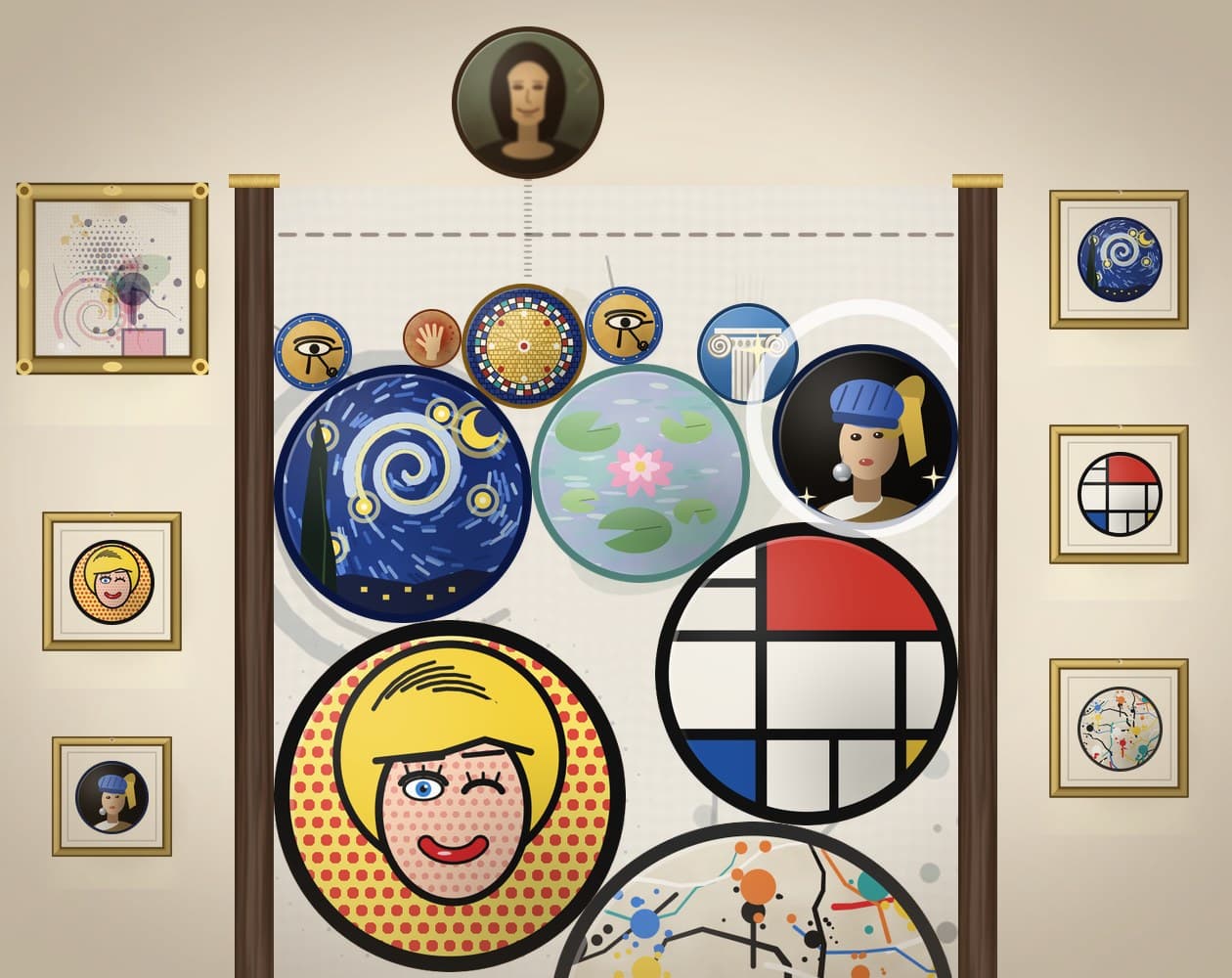
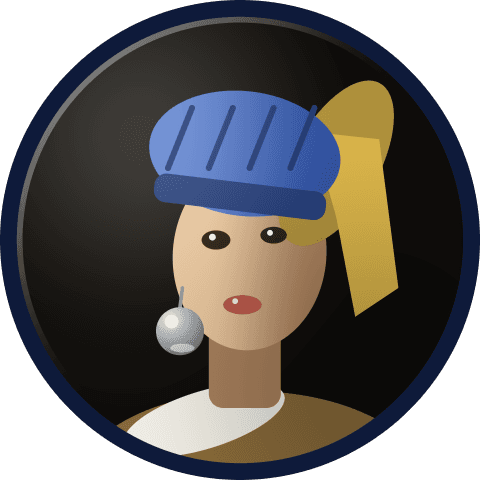
- 06A blue turban and a pearl earringThe Dutch Golden Age
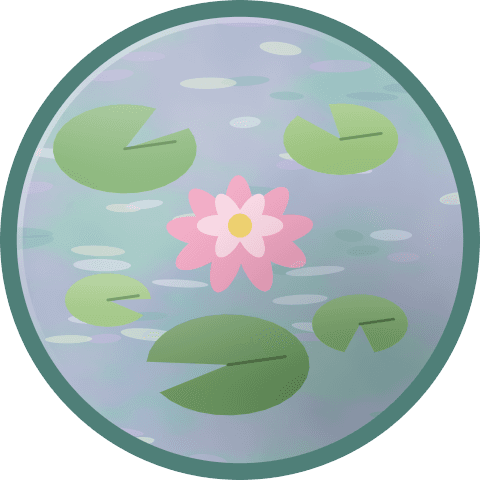
- 07A water lily in pastelsImpressionism
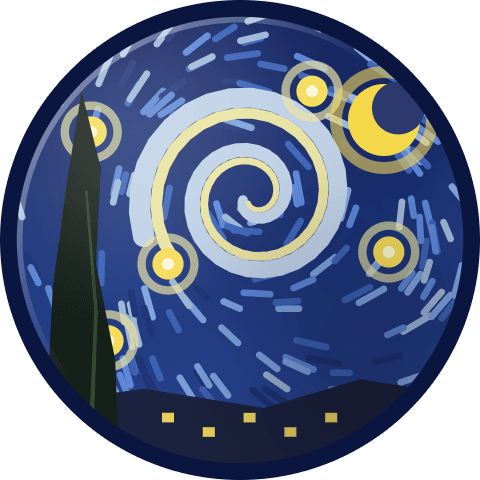
- 08A starry swirlPost-Impressionism
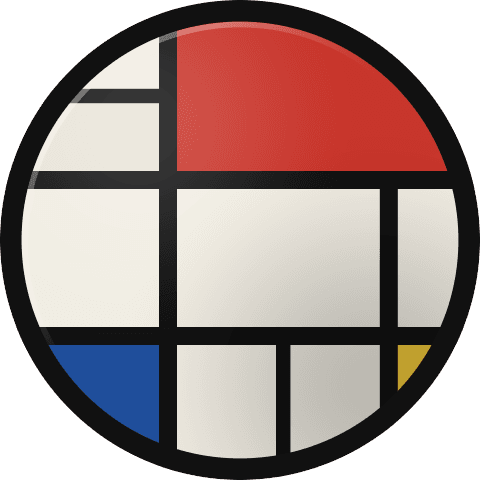
- 09A red, blue and yellow gridDe Stijl
- 10A pop-art face in Ben-Day dotsPop art
- 11A drip-splatter canvasAbstract Expressionism
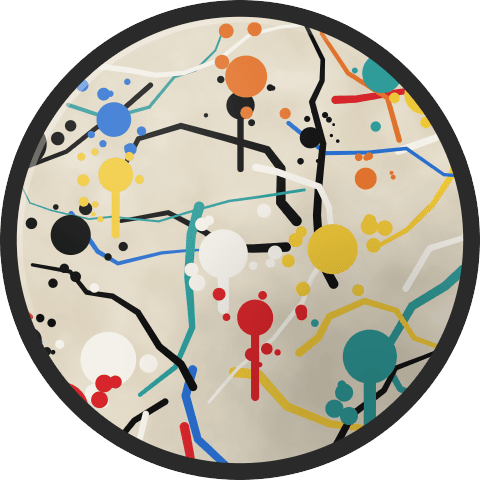
Two drip-splatter canvases don't make anything bigger. They burst in a splash of paint that clears every piece around them.
Every run paints a picture
Behind the jar hangs a blank linen canvas. Every merge leaves a mark on it, right where it happened, in the style of the piece you just made.
The finished painting
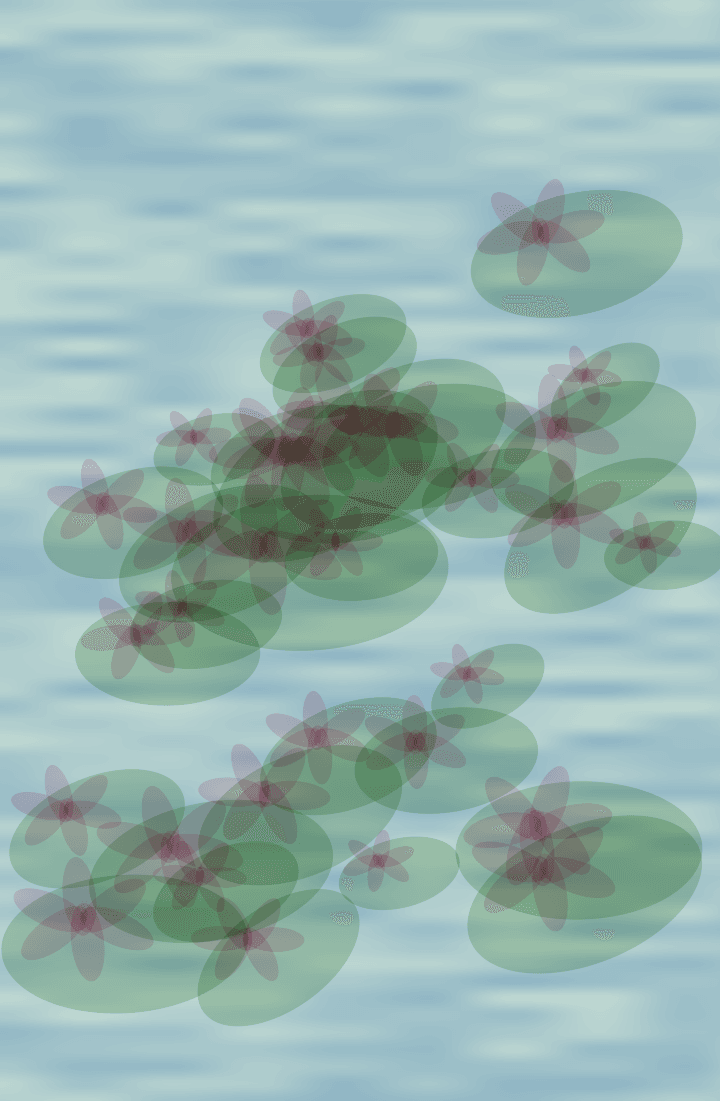
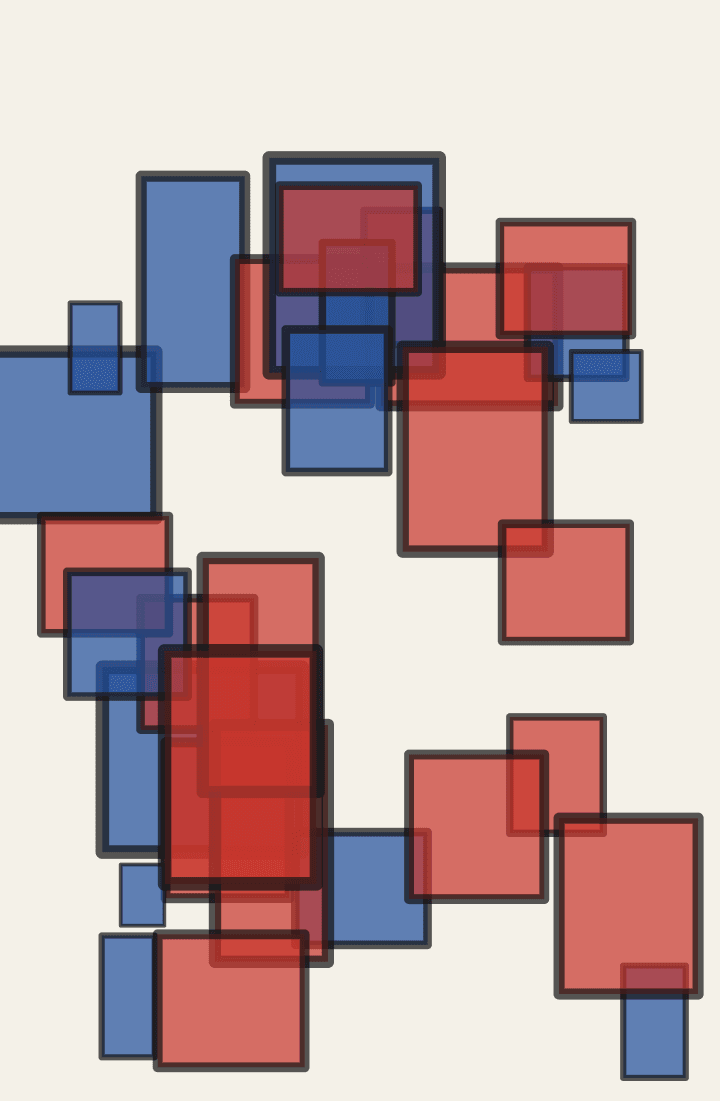
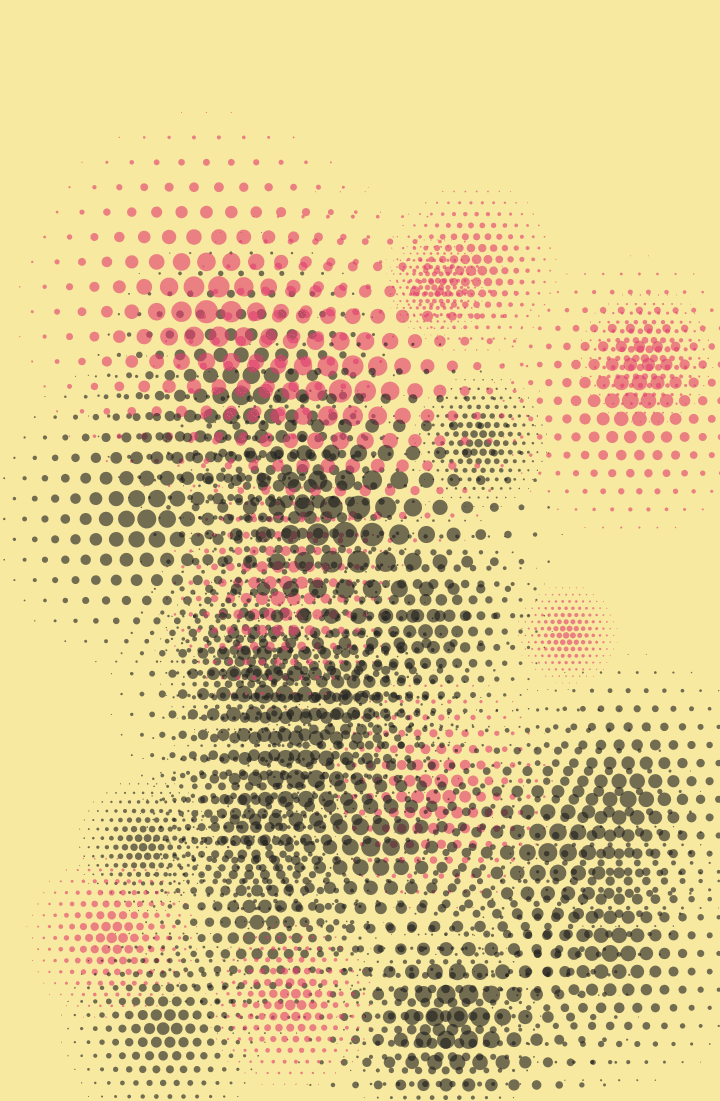
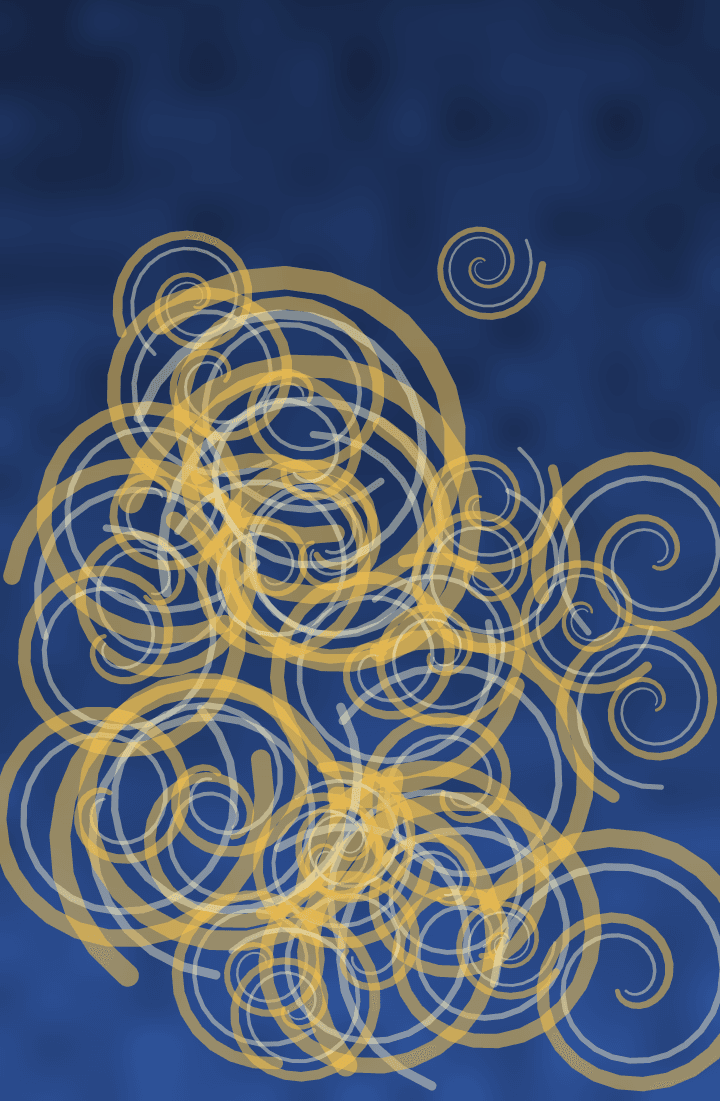
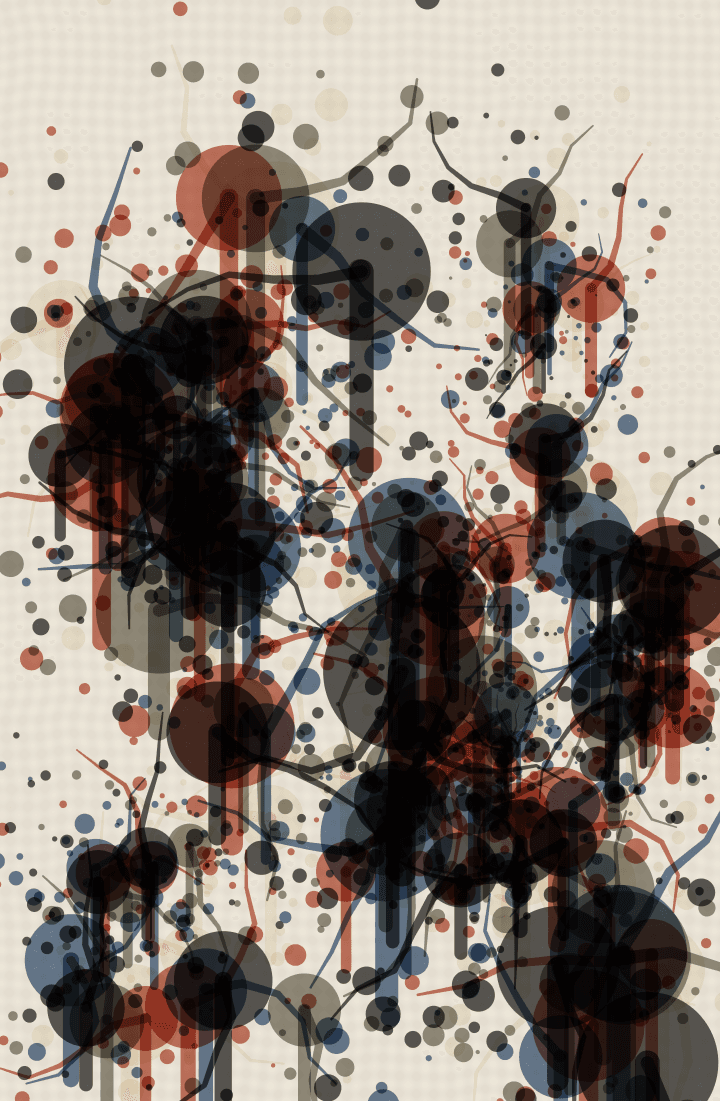
When the run ends, the canvas becomes a painting in the style of the furthest piece you made. Reach the water lily and it's lilies on a pond; reach the grid and it's red and blue blocks on a white board. Its frame shows how far you got: a scrap of cave wall, plain wood, gilt, or a wide ornate frame if you set off a splash.
Signed by you
After your first painting, a gilt box glows in its corner. Sign it once with your finger or the mouse, and every painting after carries your signature.
Your own gallery
Finished paintings go to a gallery you can walk along, kept in your browser between visits. Open one fullscreen to share it as an image, or hold it and drop it in the bin.
A melody to go with it
Each merge also plays a soft bell note, higher the higher it is in the jar. Open a painting in your gallery and it plays its run back to you.
Puzzles
Next to the endless jar there's a wall of puzzles. Each one starts with the jar partly full, gives you a fixed set of pieces and one goal: make a certain piece, clear one out, or make three merges. You get exactly the pieces you need, so every drop counts. Solve one to open the next.
A few more things
There are no words or numbers anywhere in the game. A gallery wall across the top hangs each piece the first time you make it, and a bar fills toward a golden frame as you merge. So it plays the same in any language.
The room around the jar changes with how far you get: a torch-lit cave at the start, then a Renaissance studio, an Impressionist salon in deep red, and a white modern gallery. A small crowd of museum-goers watches from below, leans in when the pile gets high and jumps at a big merge.
Every sound is made by the game's own code: a sound for each piece, from a skin drum to a paint splash, over a quiet music-box loop. The speaker at the top left mutes it all.
You don't need an account, there are no ads and nothing to buy, and the game sends nothing anywhere. Your paintings, your signature and your solved puzzles stay in your browser. Made for an AI game jam.
Play Frameline
Controls
- Aim
- Drag left and right, or the arrow keys
- Drop
- Let go, or Space
- Start again
- Tap anywhere after a run ends
- Your gallery
- The picture icon beside the speaker
- Puzzles
- The jigsaw icon beside the picture